Year
2024
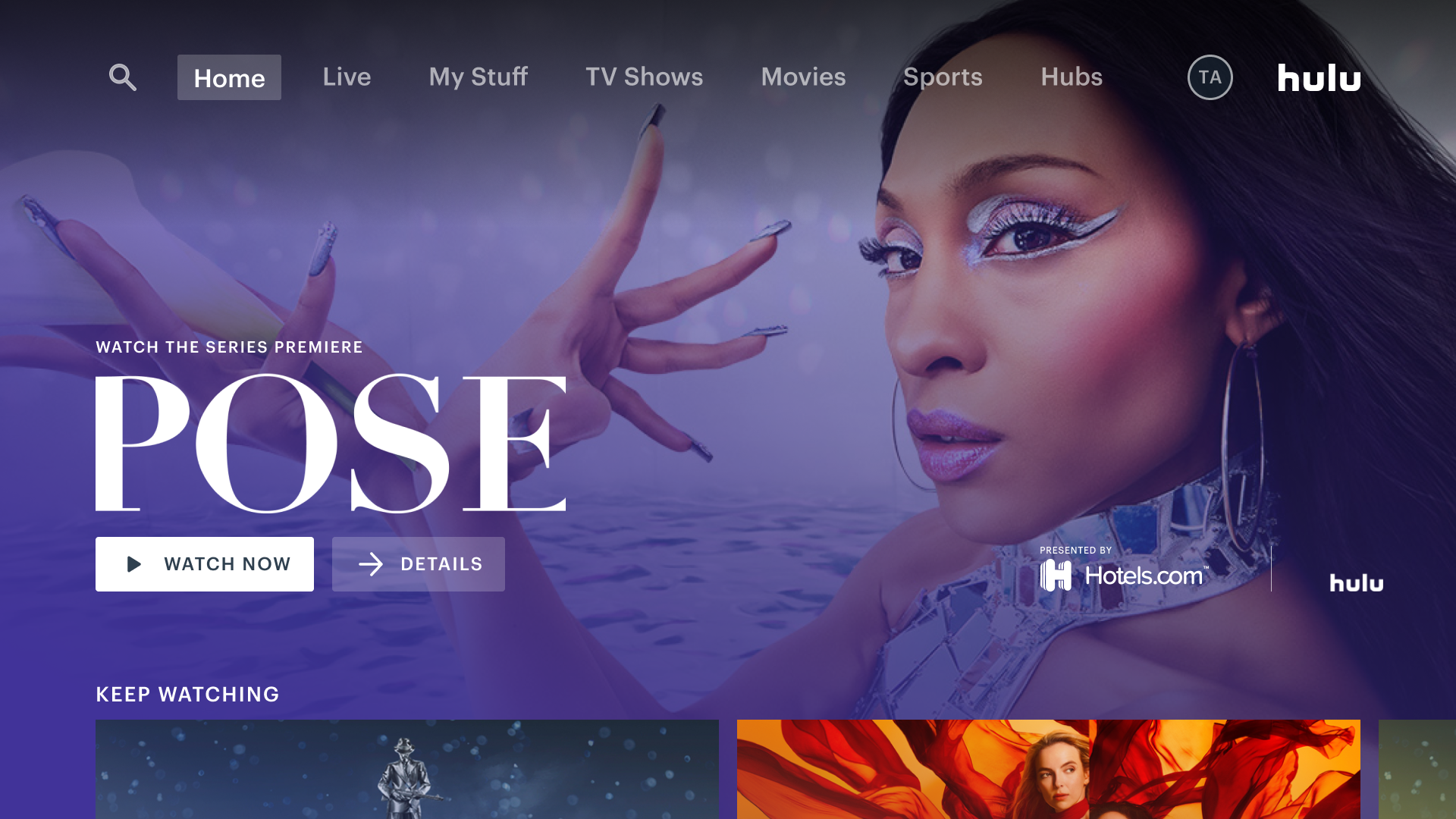
Hulu Video Trailers
Increasing discovery through video trailers
Year
2021
Role
Lead Designer on Living Room Devices
Target Platform
Roku, tvOS
Design Process
Research
Prototypes
Design
Presentation
Challenge
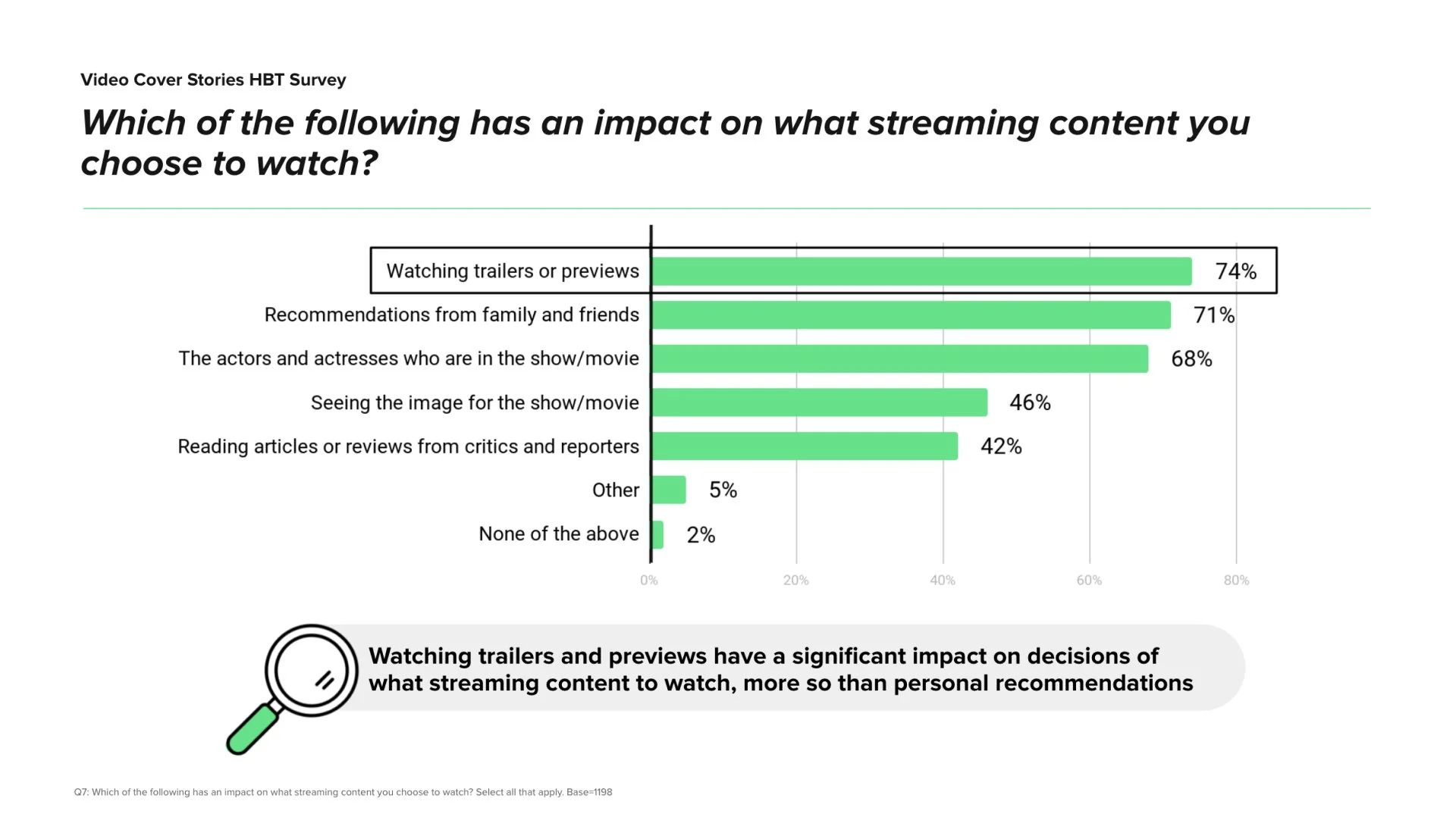
Users often rely on trailers when deciding what to watch. However, accessing trailers required additional clicks, disrupting the discovery flow. Teams believed autoplay trailers within tiles could:
Boost engagement
Help users quickly evaluate content
Bring theatrical excitement into the at-home experience
Research confirmed autoplay trailers are polarizing:
Some users love quick visual previews
Others feel autoplay is intrusive, “gets in the way,” or repeats content they’ve already seen
A significant number of users want control over autoplay settings
Top quantified pain points (April 2020 Survey):
94%: Want settings to manage autoplay
86%: Don’t want autoplay for content already viewed
90%: Feel autoplay “gets in the way” in some contexts
Video Tiles Kickoff
Research
UXR conducted surveys, experiments, and usability testing from 2019–2021. Key findings:
Autoplay Preferences
Users value trailers but only in specific contexts (browse, not play).
They dislike when autoplay repeats trailers for content they’ve already seen.
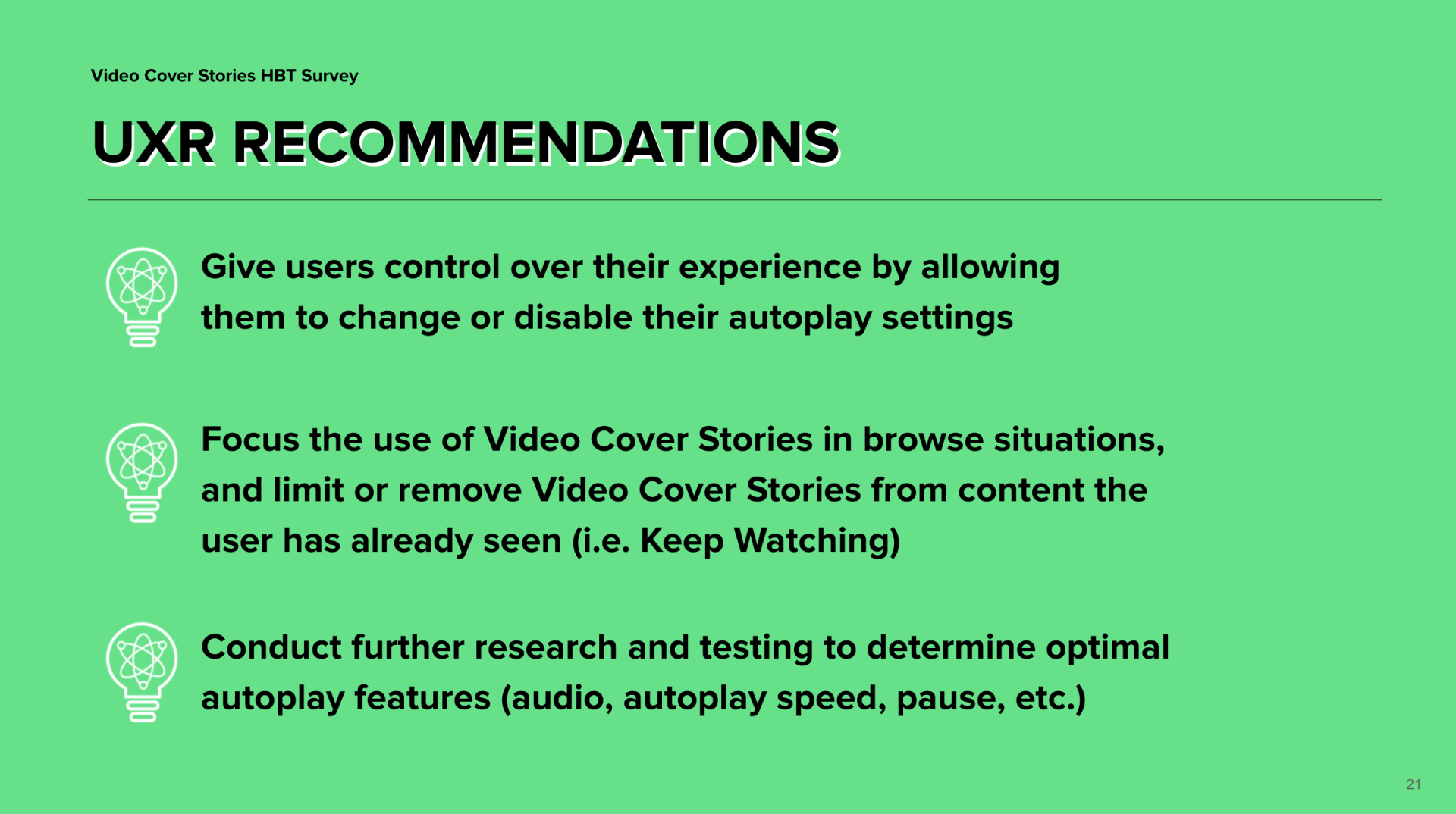
Control (mute/unmute, disable autoplay) is essential.
Video Tiles Kickoff
Ideal Autoplay Experience
Autoplay appears only in browsing contexts
Users can easily disable or adjust autoplay
Trailers should not autoplay for previously watched content
Autoplay should never slow down navigation or create buffering experiences
Usability Testing Findings (Aug 2020)
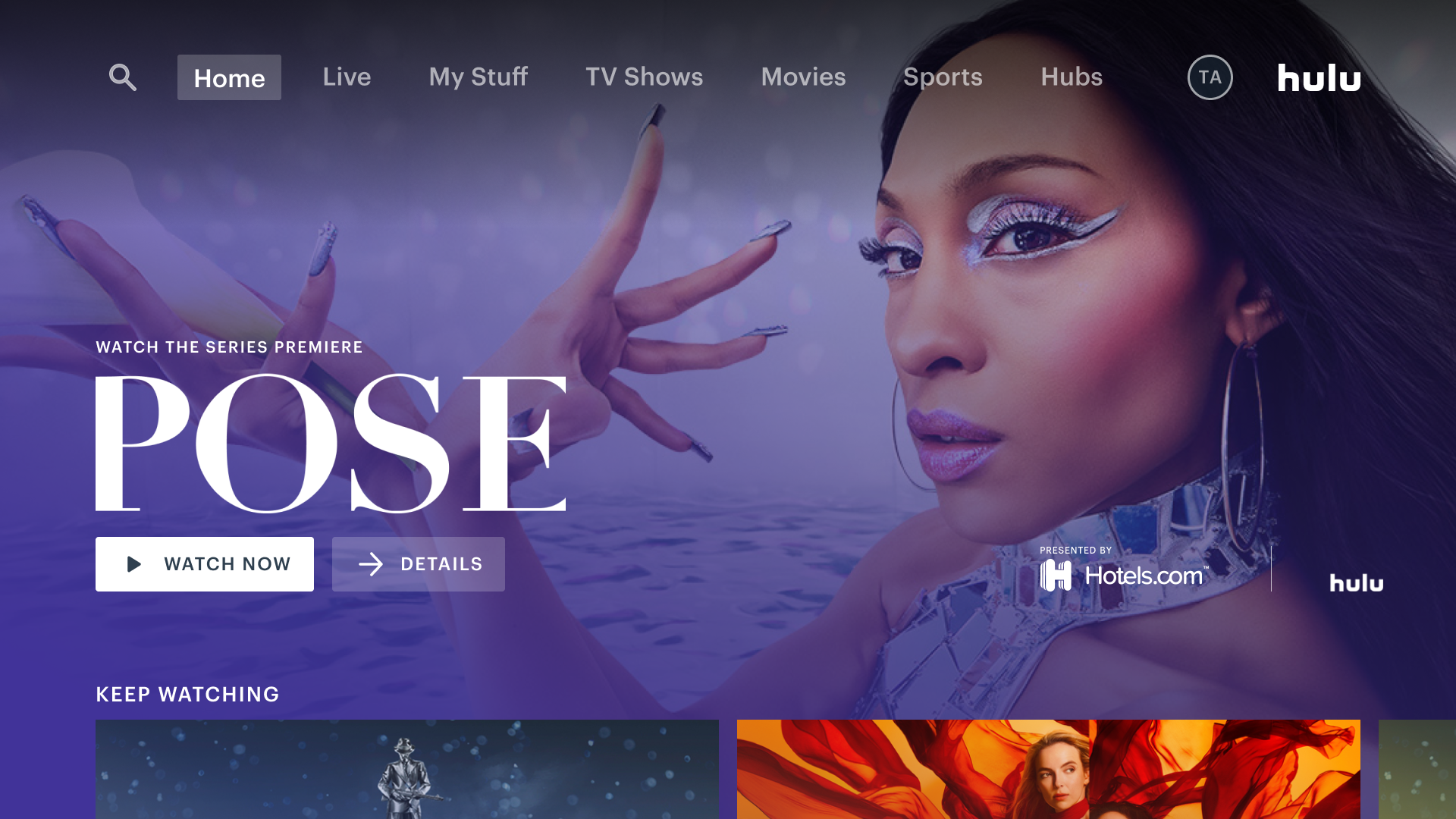
Users appreciated more video tiles on Home, Movies, and Shows pages
Loading bar was understood and not disruptive
Mute default supported quick browsing
Visibility issues: icons sometimes disappeared against bright video scenes
Some users mistook HE tiles for ads due to their size
Video Tiles Kickoff
Approach
1. Inform, don’t distract
Trailers should support content evaluation, not overwhelm the browsing experience.
2. Empower user control
Default autoplay mute on
Quick access to audio controls
Autoplay settings per device (MVP) and later global
3. Contextual & appropriate
Avoid spoilers
Indicate maturity ratings
Personalize trailer selection
Consider co-viewing contexts
Video Tiles Kickoff
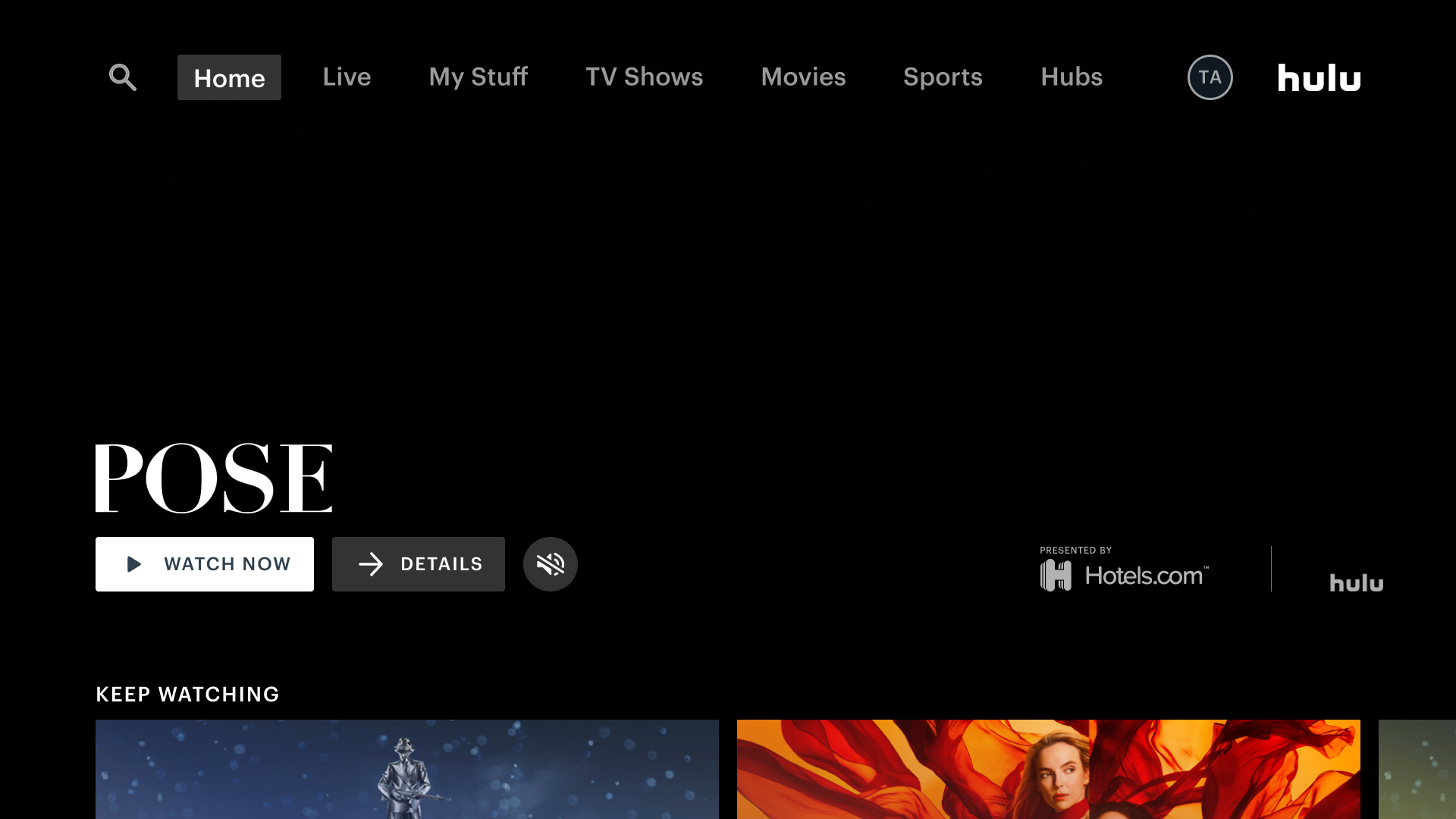
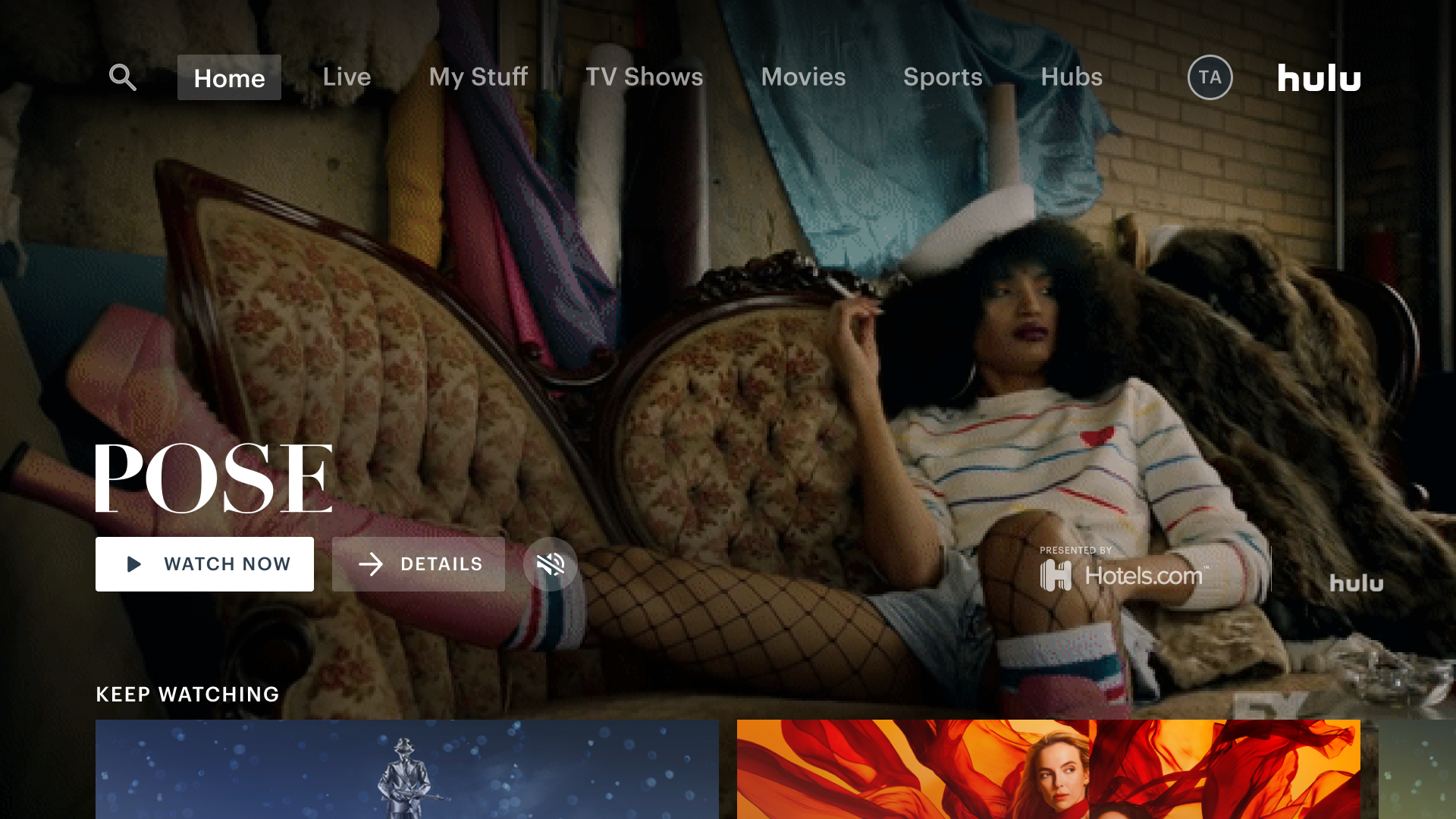
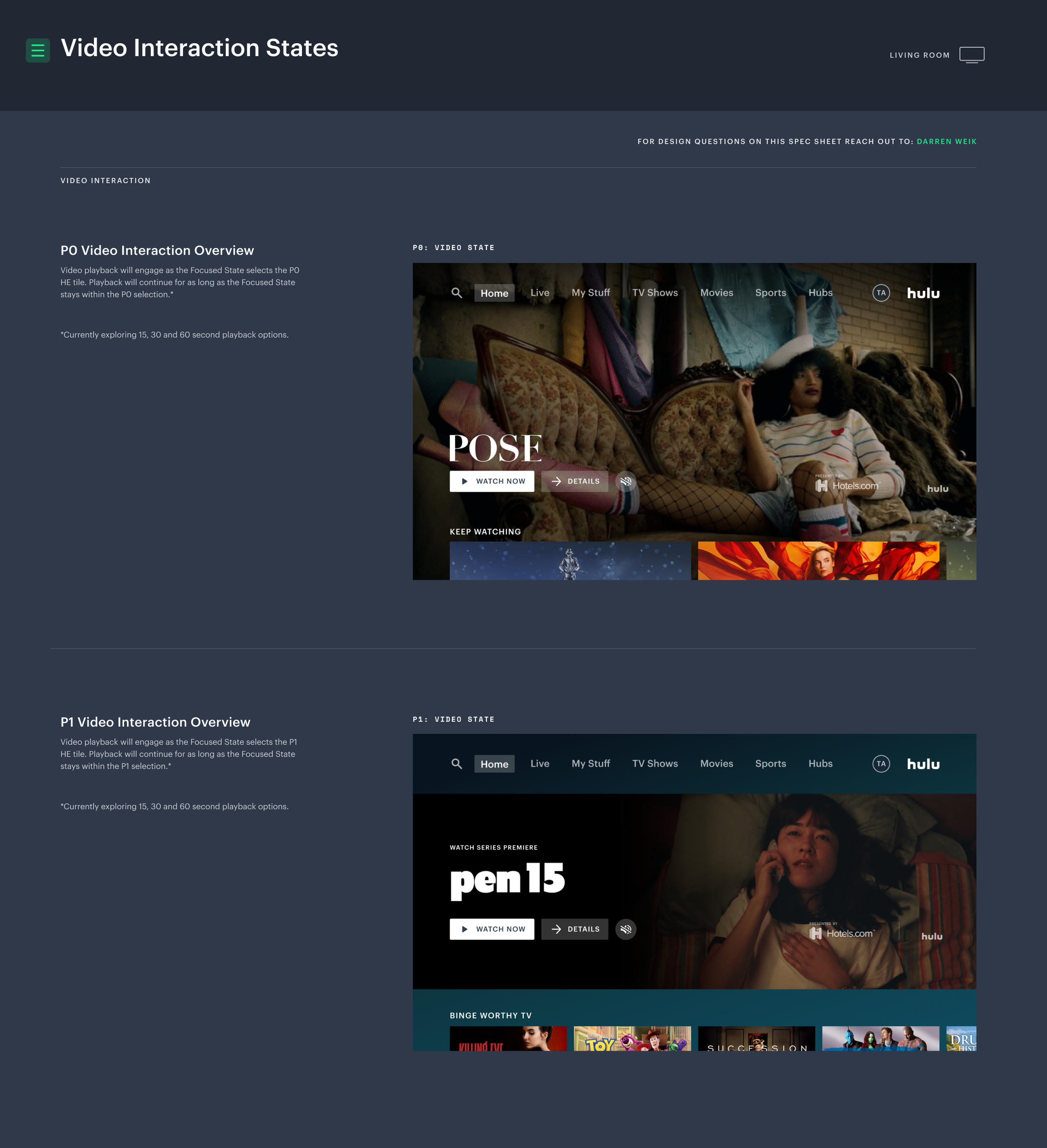
Outcomes
Delivered a non-intrusive, informative browsing experience
Ensured autoplay respects user preferences and context
Achieved a balance between cinematic richness and platform performance
Reduced risk of misinterpreting tiles as ads through clearer design and iconography
Enabled scalable foundations for future autoplay experiences
Takeaways
“The goal is to build a seamless experience, to move from discovery, to playback for both VOD and Live content.”
— Hulu Product Team